Are you looking to add Google Maps on your WordPress site? There are plenty of Google Maps plugins available for WordPress which makes it difficult to know which one is the best. In this post, I will show you the List of Best Free Google Maps Plugins For WordPress.
An interactive map can be included in your website quite easily. You need to submit your location details to Google. This will also give your website a wider reach and your listings will show up on a Google search.
There are a number of Google Map plugins that you can use, and most of them are fairly competent. You can pick your plugin from the dozen listed here, depending on the features you want to include in your maps.
Plugins will help to add Google Maps to your website. You can embed and customize Google Maps and insert it into your pages and posts, and you can use it as a widget too. Adding local images or landmarks will help your visitors to find you more quickly. You can add a simple map or you can add a map with fancy features with the help of plugins.
MapPress Easy Google Maps
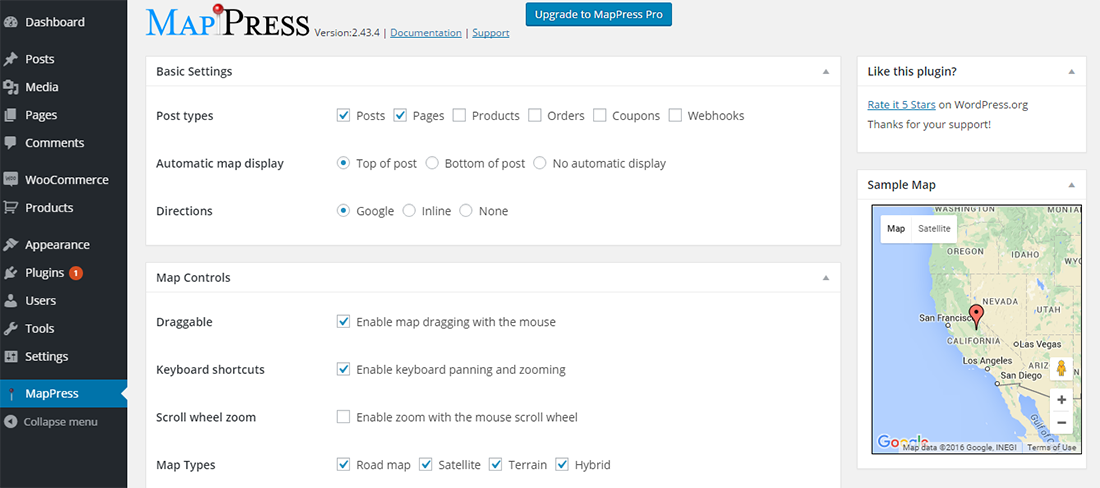
MapPress Easy Google Maps will help you add an interactive map to your website. Just enter the address in any post or page and the plugin will automatically insert a map to your website. Add directions to your address. Create markers with HTML code and drag them about the map till you find the right spot for it. Add pictures and links as well.
To purchase the pro version, you will have to pay $29.95 for the Basic License which you can use with 3 sites and for a Developer’s license, you will have to pay $49.95 with no limit to the number of sites that you can use it on. These licenses entitle you to one year of support and updates.
Key Features:
- MapPress is based on the latest Google maps API v3
- WordPress MultiSite compatible
- Custom post types are supported
- Easily create maps right in the standard post edit and page edit screens
- Create custom text and HTML for the markers, including photos, links, etc.
- Street view supported
- Multiple maps can be created in a single post or page
- Real-time traffic
WP Google Maps
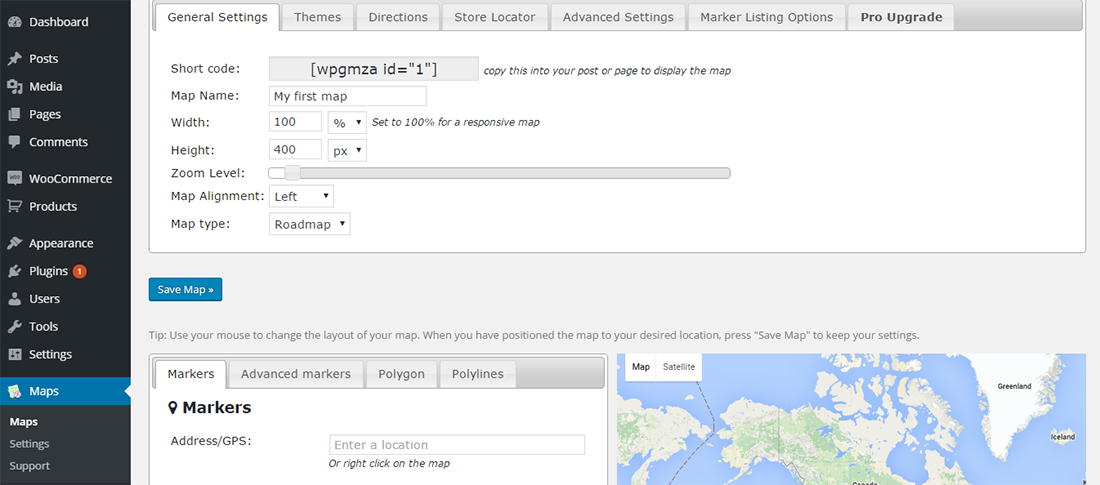
WP Google Maps is great to add on contact page maps, for highlighting delivery area and many other similar needs. Choose from 9 map themes or create and add your own map theme. Insert markers simply by typing in the address and drag them exactly where you want them. Add animation to the markers.
This plugin is compatible with caching plugins. You can use it without being saddled with any advertising links. Store locator functionality is available and you can filter the search for stores based on geographic location.
Key Features:
- The most popular Google Maps plugin on WordPress
- Super easy to use, no coding required!
- Create as many map markers as you need by simply typing in the address
- Responsive maps
- Edit your map markers with the click of a button
- 9 popular map themes to choose from
- Create or add your own map theme
- Drag map markers to an exact location
- Google Maps Streetview supported
- UTF-8 character support
- Map widget functionality
- Support for localization
- and more...
Mapify.it
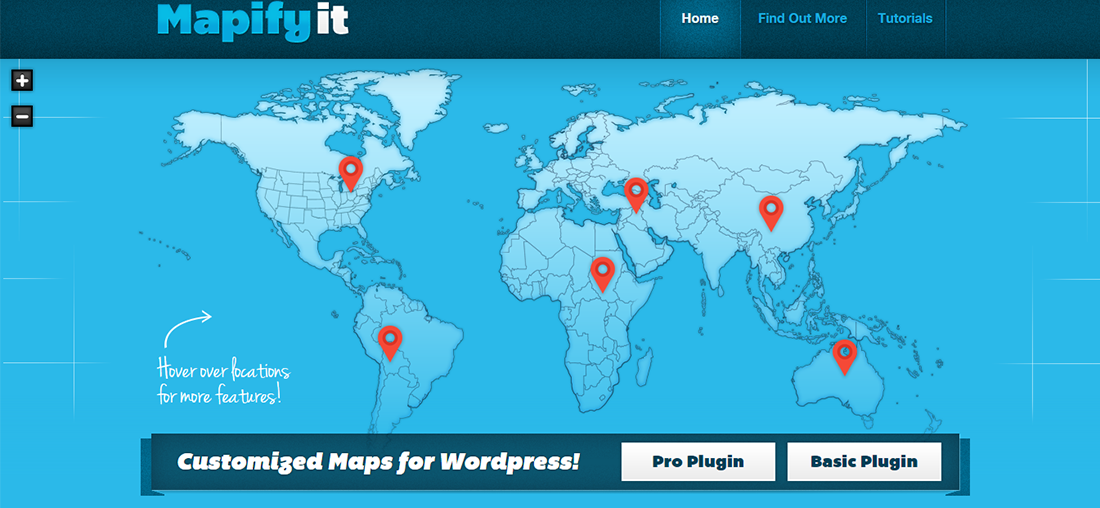
Mapify.it is one of the top map plugins available to WordPress users. Although fully compatible with Google Maps, it also allows you to upload your own custom maps while retaining Google Maps functionality – for example, the ability to pan and zoom. So, if you want a tailored, branded map to display directions to your business, this plugin is probably best-suited to your needs.
Key Features:
- Full support.
- Google maps and enhances it beyond compare,
- The true power lies in the fact that you can use maps of ANY style.
- You simply upload images of your choosing, and
- It let’s you add limitless locations with a simple click.

No comments:
Post a Comment